Shared Kitchen Tablet, Clear Responsibility
A shared tablet can simplify daily kitchen checks. Named staff access keeps the routine quick and makes it easier to see who completed each item.
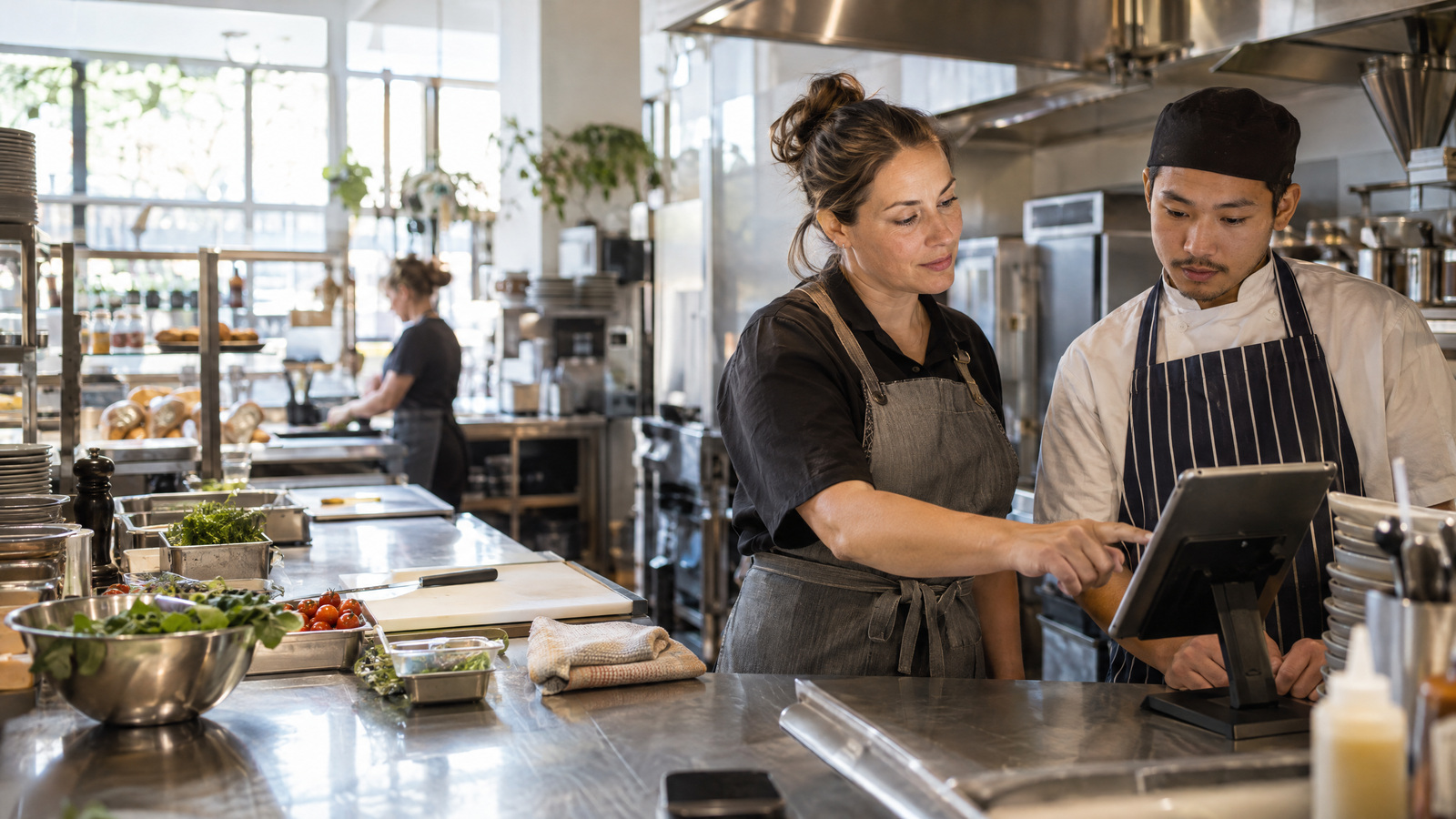
A shared tablet is often the most practical choice for a busy kitchen. It stays where the work happens, the whole team can reach it and nobody needs to rely on a personal phone just to complete a daily check.
But there is an important difference between sharing a device and sharing a sign-in.
When every person uses the same access, a completed task can quickly become a vague one. The checklist may show that something was done, but the team can be left asking who completed it, when it was completed or whether there is still something to follow up. That creates extra questions at the exact moments a kitchen manager is already managing service, staff and suppliers.
A shared device can keep the work simple without losing clear responsibility. The key is making it easy for each person to identify themselves before they start.
Shared tablets solve a real kitchen problem
Kitchen work does not happen from behind a desk. Staff move between the prep bench, cool room, pass, wash-up area and store room. A device that sits in a practical, visible place means the daily routine is available to the people who need it.
A shared tablet also makes the team process more consistent. Instead of one person keeping a paper folder, another person using a phone and a manager trying to piece the day together later, the checks can happen in one familiar place.
The device itself is only part of the answer. It also needs to work at the pace of a real shift.
Keep access quick for the team
A kitchen system should not make someone stop what they are doing for a long login process. If access is difficult, the routine becomes a chore and people will find ways around it.
A short personal PIN gives each staff member a simple way to start the task in front of them. They can identify themselves, complete their check and get back to work. The tablet remains shared, but the action is linked to the person who did it.
This is not about making a kitchen feel watched. It is about giving every completed check enough context to be useful. When something needs a follow-up, the manager knows where to start. When the shift runs smoothly, everyone can see that the important routine has been completed.
Make the handover clearer without adding another task
The end of a shift is where unclear records usually show up. Someone is leaving, another person is starting and the kitchen is moving toward its next priority. If a manager needs to chase down who completed a check, the handover becomes harder than it needs to be.
Named staff access gives the team a clearer starting point. Each entry can be connected to a real person rather than a generic device account. That makes a simple conversation possible: Was the check completed? Is there an outstanding item? Does the next shift need to know anything before they take over?
The value is not in creating more admin. It is in avoiding the repeat questions that come from a record with no clear owner.
Help managers see what is happening
A good kitchen routine gives managers a quick view of the day without making them read through every detail. They need to know what has been recorded, what is still outstanding and where a follow-up might be needed.
KitchenCheck is built for this practical workflow. It is tablet-first, with large touch targets and named staff access through individual PINs. Managers can create team members, staff set their own PIN when they first sign in, and the team can work through daily checklists on the shared kitchen device.
The completion overview then gives managers a clearer view of recorded and outstanding checks. Instead of relying on memory or a shared sign-in, the daily record is connected to the work that has actually been done.
Start with one straightforward routine
The best way to introduce a shared tablet is to keep the first routine simple. Put the device where staff naturally begin their shift or complete their checks. Make sure the team knows their PIN and explain which checks they are responsible for.
Then give the process a few days to become familiar. The goal is not to create a perfect new system overnight. The goal is to make the routine easier to complete, easier to review and easier to hand over.
When a shared device is paired with named staff access, it can do both jobs well. The kitchen gets a practical tool that is easy for the whole team to use, while managers get clearer daily records without adding unnecessary friction.
KitchenCheck helps Australian cafés, restaurants and hotels set up that kind of routine with tailored daily checklists, shared-tablet access and a clear view of completed and outstanding checks. Explore KitchenCheck and start a free trial at https://www.kitchencheck.com.au/.