Why Use KitchenCheck? A Better Way to Manage Food Safety Records
Food safety record-keeping should be easy enough that staff actually use it, while still giving managers a clear and defensible record of what happened.
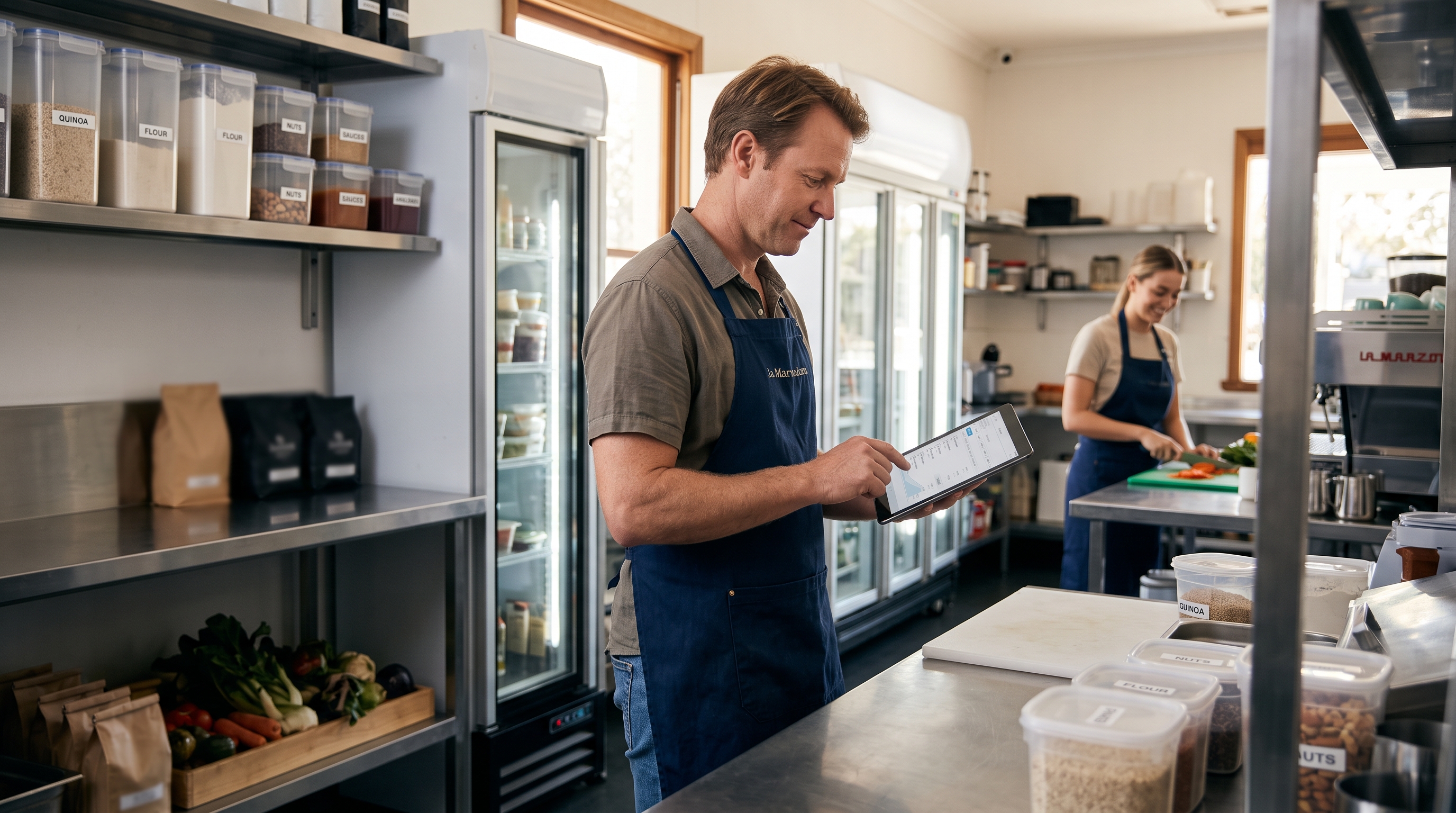
Food safety record-keeping should be easy enough that staff actually use it, while still giving managers a clear and defensible record of what happened. KitchenCheck helps cafés, restaurants, hotels and other food businesses organise everyday checks, capture what happened and make follow-up easier when something needs attention.
Know what remains to be done
A busy service makes it easy for a check to be missed or forgotten. KitchenCheck gives staff a clear place to see the checks scheduled for the day, record them as they happen and identify what still needs attention. That means the team can spend less time searching through paper forms and more time following the venue's procedures.
Replace scattered paperwork
Paper forms, notebooks and spreadsheets can be useful, but they can also be misplaced, hard to read, difficult to review and slow to share between shifts. KitchenCheck brings routine temperature checks, cleaning records and other food safety records into one digital workflow, so the information is easier to find when the team needs it.
Make staff accountability clearer
Each completed check can keep the staff member and time associated with the record. That gives managers a clearer view of what was recorded, without relying on memory or trying to match handwriting to a shift. Clear attribution also helps staff understand which checks they are responsible for during service.
Catch problems sooner
When a temperature or other recorded value falls outside the venue's configured range, KitchenCheck can flag it for review and capture the corrective action taken. This can help the responsible person notice a problem sooner and follow the venue's own procedure. The software records the response; it does not decide what action is appropriate for the business.
Make handovers easier
A consistent digital record gives the next shift and the manager a more useful starting point. Staff can see what has already been completed, what still needs attention and whether a previous issue was noted. That reduces the need to rely on verbal handover alone, especially when teams change during a busy day.
Add optional event logs when they help
Not every useful record is a scheduled checklist. A venue may choose to log an event such as a delivery, a supplier issue or a pest sighting so the detail is available for follow-up. These optional event records can sit alongside routine checks and help managers keep a clearer timeline of what happened at the venue.
Give managers better visibility
Managers can review completed checks, outstanding work, alerts and corrective actions from a central view. Over time, that makes it easier to spot recurring issues, discuss improvements with the team and prepare a more organised record for internal review or a conversation with a food safety adviser.
Keep menu and allergen information in one place
Food businesses can also use KitchenCheck to keep menu and allergen information available to the team. A shared reference can make it easier for staff to find the information they need during service, while managers can review it as menus and ingredients change. It remains the business's responsibility to maintain accurate information and follow its own allergen procedures.
A practical record-keeping tool, not a compliance guarantee
KitchenCheck supports food safety procedures and record-keeping. It does not certify a business, replace an approved food safety program, provide legal or professional advice, or guarantee HACCP compliance. Businesses should continue to follow their own documented procedures, train staff appropriately and confirm current requirements with their local council, regulator or food safety adviser.
Start with KitchenCheck
Ready to make daily records easier to use and review? Start your free KitchenCheck trial and see how a clearer digital workflow can fit your venue.
For a practical walkthrough, read the simple guide to using KitchenCheck.